· Ben · tooling · 7 min
Decap vs Sveltia vs Keystatic vs Tina: the git CMS pick
Four git CMSs graded on what they do to your repo — the shape of the commit, frontmatter fidelity, the auth path your non-technical editor has to walk, and maintenance signals that aren't star counts. With dates, issue counts, and sources.
You have a content/ folder full of Markdown, a teammate who is never going to open a terminal, and four browser tabs. Decap, Sveltia, Keystatic, Tina. Everyone tells you to just pick one.
The comparison posts that rank for decap cms vs sveltia vs keystatic will hand you a feature matrix: widgets, i18n, media library, dark mode, live preview. The one sitting at the top of Google as I write this doesn't mention Keystatic at all despite ranking for a query that names it, and it still says Sveltia has no documentation site and can't start a new project. It has one, and it can. That article was last modified in June 2024.
Here's the thing the matrices skip. You are not picking an editor. You are picking a piece of software that gets commit rights to your content directory and keeps them for the next three years. Grade it on that.
The four, in a paragraph each
Decap is the incumbent, the continuation of Netlify CMS, at 19.3k stars and 3.1k forks. YAML config, a widget system everybody has already copy-pasted from a blog post, and the largest install base of the four. Its documented happy path runs through Netlify Identity and Git Gateway, which is both its best feature and the thing this post spends the most words on.
Sveltia is a ground-up Svelte rewrite that reads your existing Decap config file, positioned openly as the successor to Netlify CMS with a migration guide that mostly amounts to swapping a script tag. 2.5k stars, 157 forks, 73 open issues. It has shipped 568 releases and is still on v0.166.1 as of June 7, 2026.
Keystatic is Thinkmill's. You define your schema in TypeScript rather than YAML, which means your content model is type-checked against your app. It runs in local mode, writing files directly to disk while you're on localhost, or in GitHub mode through a GitHub App. Around 2.1k stars, 139 forks, 146 open issues.
Tina is the visual-editing one: you click text on the rendered page and edit it in place. 13.4k stars, 717 forks, 380 open issues, 1,116 releases, most recent tagged June 15, 2026. It's also the only one of the four where the editing experience leans on a hosted backend unless you take on self-hosting yourself. That's the material fact about Tina, not the price.
Read the commit, not the screenshot
Every one of these tools has a screenshot on its homepage. None of them show you the thing you actually live with, which is git log.
The questions that matter after month two: does a save commit straight to main or open a branch? What does the commit message look like when a non-developer publishes at 4pm on a Friday? Does the tool preserve the field order in your frontmatter, or does it serialize the object in whatever order its schema declares? Does it keep your date format, or does it normalize 2026-08-15 into a full ISO timestamp with a Z on the end? Does it reformat your Markdown on save — collapse your reference links, rewrap your paragraphs, turn * bullets into -? Does MDX round-trip, or does the parser flatten your JSX into escaped text the first time someone fixes a typo?
That last one is where MDX users get hurt, and no feature table has a column for it.
Decap supports open authoring, where an editor without repo access forks and opens a pull request, which is the only mode of the four that's PR-shaped by default. Keystatic's GitHub mode can branch. Local mode writes straight to the working tree, which is exactly right for a developer and completely wrong for a client. Everything else is worth ten minutes of your own testing rather than my assertion.
The ten-minute frontmatter test
Do this before you commit to any of them. It costs less than reading one more comparison post.
Make a scratch repo with three real posts copied out of your actual blog, including the messiest one — the post with the custom frontmatter field, the array of tags, the em dash in the title, the MDX component in the body. Wire up the CMS. Then change exactly one thing in the admin UI: fix a single typo in the body. Save. Run git diff.
If the diff touches lines you didn't edit, you've learned everything you need. That's not a bug you'll file, it's the tool's opinion about file format overwriting yours, on every save, forever. Then repeat with a field the CMS doesn't know about in its schema and see whether it survives the round trip or quietly disappears. A CMS that drops unknown frontmatter keys will eat your canonical_url the first time an editor touches an old post.
This is also the whole reason we built Contentcron to infer frontmatter from your existing files instead of imposing a schema, and it's the same argument as reviewing content the way you review code: the diff is the interface.
Auth is the part that actually breaks
Here's the fact that none of the currently-ranking comparisons have, because they all predate one half of it or the other.
Decap's documented backend for non-developer editors is Netlify Identity plus Git Gateway. In February 2025 Netlify announced an Auth0 extension and plans to sunset Identity. Six days later, a Decap user opened discussion #7419, pointing out that Git Gateway hadn't shipped an update in nine months and that Auth0 is a third-party Okta product, not a Git Gateway replacement. That discussion is still marked Unanswered. His reason for caring is the best one-line summary of this whole category I've read: the "mom and pop shop down the street" is never going to have a GitHub account.
Then, on February 19, 2026, Netlify reversed it. The same post now carries an update saying Identity continues as a supported authentication option, after hearing from developers running it in production.
So Decap's auth story is fine again. What it isn't is a thing you can stop watching. And the underlying question survives the reversal: what does each tool require from an editor who has no GitHub account and never will? Decap with Identity: an email and a password. Decap with open authoring, Keystatic in GitHub mode, Sveltia: a GitHub login, because these are GitHub-backed by design. Tina: an account in its own system.
That single question is the real dividing line between "my team" and "my client," and it decides your shortlist faster than any widget comparison.
Maintenance signals that aren't star counts
The listicle method is to print a star count and call the project active. Stars measure 2019. Here's what I'd look at instead.
Publish dates on npm. For Decap, decap-cms last published July 31, 2025; decap-cms-core June 6, 2025; decap-cms-app February 23, 2026; decap-cms-lib-util December 19, 2025. That's a project being maintained in pieces rather than one that's stopped.
Open issues against install base. Decap's 559 open issues next to Sveltia's 73 is a surface-area ratio, not a quality score — a nine-year-old project with a plugin ecosystem accumulates issues that a two-year-old rewrite hasn't had time to receive.
Release cadence and version number, together. Sveltia's 568 releases at v0.166.1 is one fact with two readings, and I'm not going to pick one for you. It ships constantly. It has also declined to call itself 1.0 after 568 tries.
And read the maintainer threads. In July 2025 a Keystatic user opened a discussion relaying a Discord consensus that the project was "essentially abandoned," noting the public roadmap board had been closed. A maintainer replied a week later: Keystatic is not abandoned, Thinkmill maintains it "just not always in public," the roadmap board was closed for being out of date, and it runs Thinkmill's own site plus Keystone's docs. Three months later someone asked again, and that one is still unanswered, with a comment reading "I'm afraid the silence is the answer."
Both things can be true. For a tool whose entire job is reading and writing files on disk, quiet is a much weaker signal than it is for a hosted platform. Nothing expires. Nothing calls home. A git CMS that stops getting commits still works next year, which is more than you can say for anything with a control plane.
Can anything but a human use it?
New evaluation criterion, absent from every comparison I read: can something other than a person put content into this thing?
Scripts can open pull requests. CI can open pull requests. Agents can open pull requests. None of them can click an admin UI. If your CMS is a view over files in git, automation composes with it for free, because the repo is the interface and the CMS is just one of several writers. If the CMS owns the content and the files are its export format, you get one writer and it has a mouse.
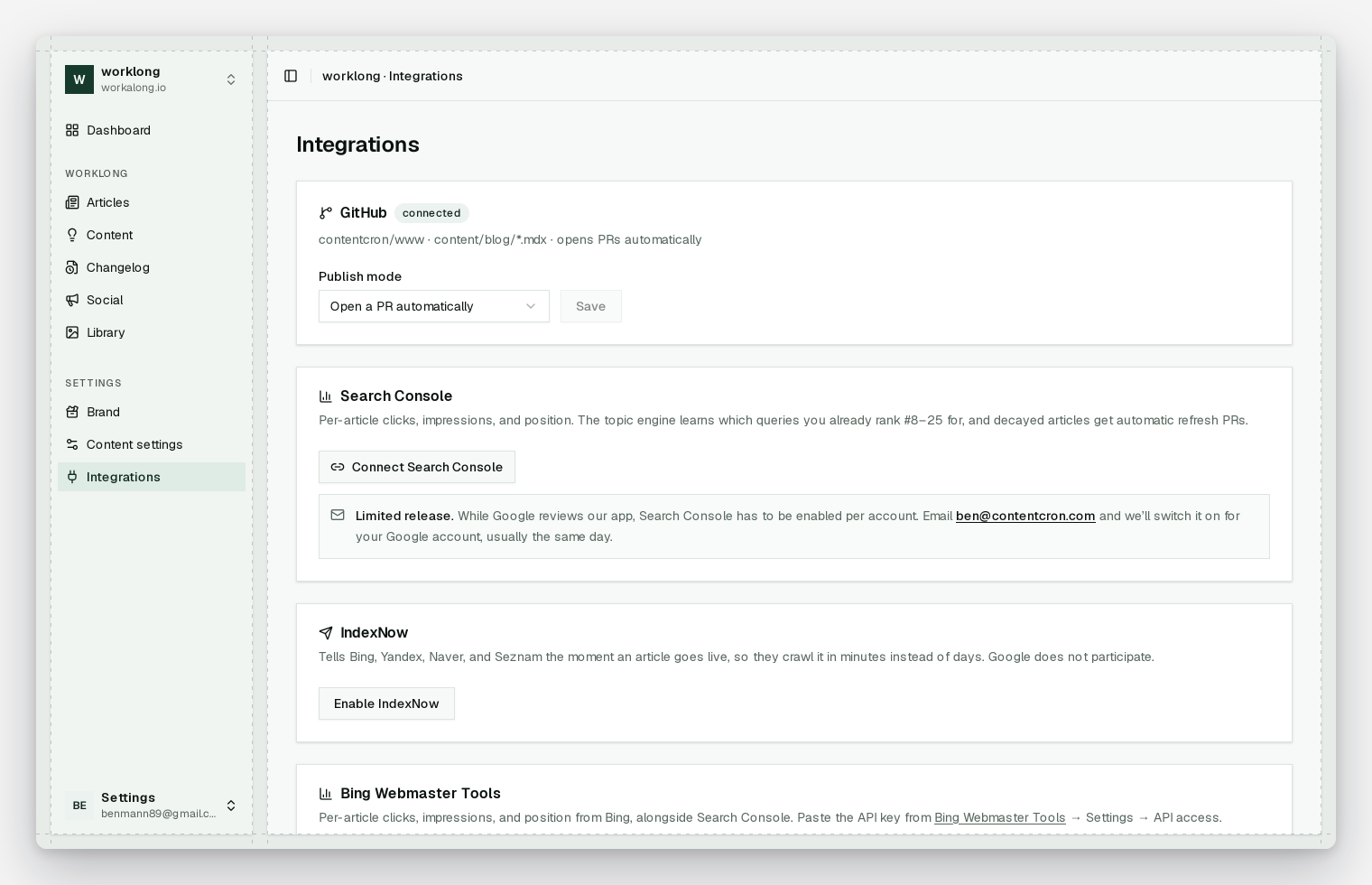
That's the assumption Contentcron runs on. It's installed as a GitHub App on the repos you choose, with contents and pull-request permissions only, and it commits drafts to a contentcron/<slug> branch and opens a PR. Whichever of these four you pick, it keeps working, because we never touch the admin UI — the repo is the integration.
The same logic is why a database-backed headless CMS can't take a pull request and a git CMS can.
Who each one is actually for
Decap if your editors are non-technical and don't have GitHub accounts. The Identity path is the only mainstream one that hands a client an email-and-password login, and as of February 2026 it's supported again. Don't pick it because it has the most stars. Pick it because of that one requirement, and keep an eye on the backend story.
Sveltia if you're already running Decap and the admin feels slow. It reads your existing config, so the cost of finding out is an afternoon. Don't pick it if you need a vendor-stable version number to put in an architecture doc, or if your build policy forbids 0.x dependencies.
Keystatic if your team is developers and TypeScript is your source of truth. Schema-in-TypeScript means your content model breaks the build when it drifts, which is the correct place for it to break. Don't pick it if a quiet public repo will make your CTO nervous in a review, or if your editors need a non-GitHub login.
Tina if visual, on-page editing is the requirement that closes the deal — for a marketing team that will not accept a two-pane Markdown form. Don't pick it if "no hosted dependency" is on your list, unless you're genuinely prepared to self-host the backend.
Four readers, four tools. Any comparison that scores these out of ten and crowns a winner is telling you it hasn't shipped a site with a client on it.
What none of them do
All four solve editing. Not one of them solves the empty folder.
You'll install your pick, wire up the auth, spend a Saturday on the schema, and post the "we finally have a CMS" note in Slack. Six weeks later the newest file in content/ is still the one announcing your seed round. The CMS was never the bottleneck. Nobody owning the writing was.
If that's the actual shape of your problem, Contentcron researches topics, writes a full MDX article a day in your voice, and opens each one as a pull request against whichever of these four you just picked. First article's free, no card.